
01
Import your video
Bring a video from your phone. Start with a move you want to make your own.
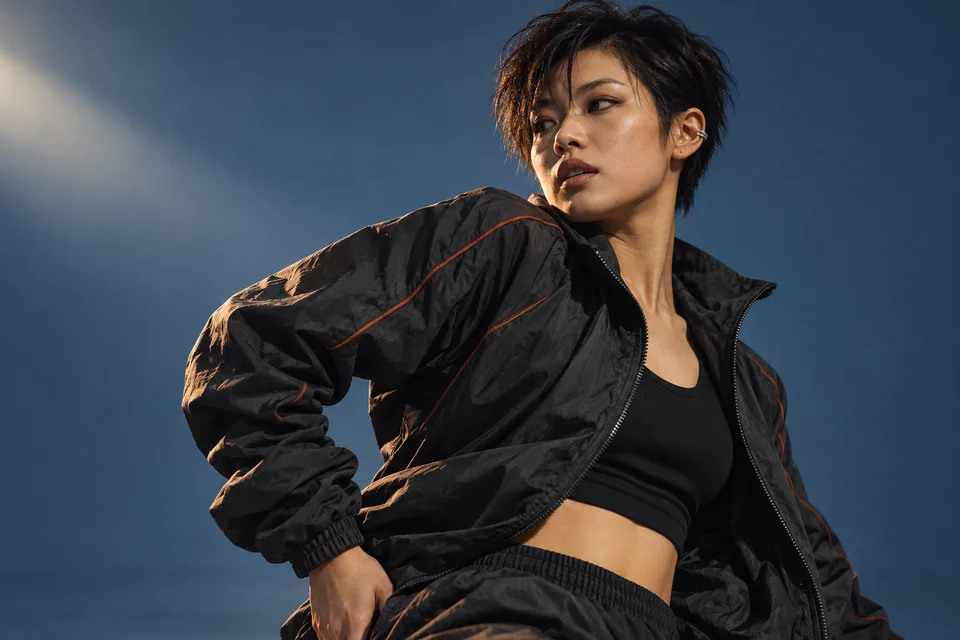
YOUR NEXT MOVE STARTS HERE
Slow it down. Loop the hard part. Make the movement yours.
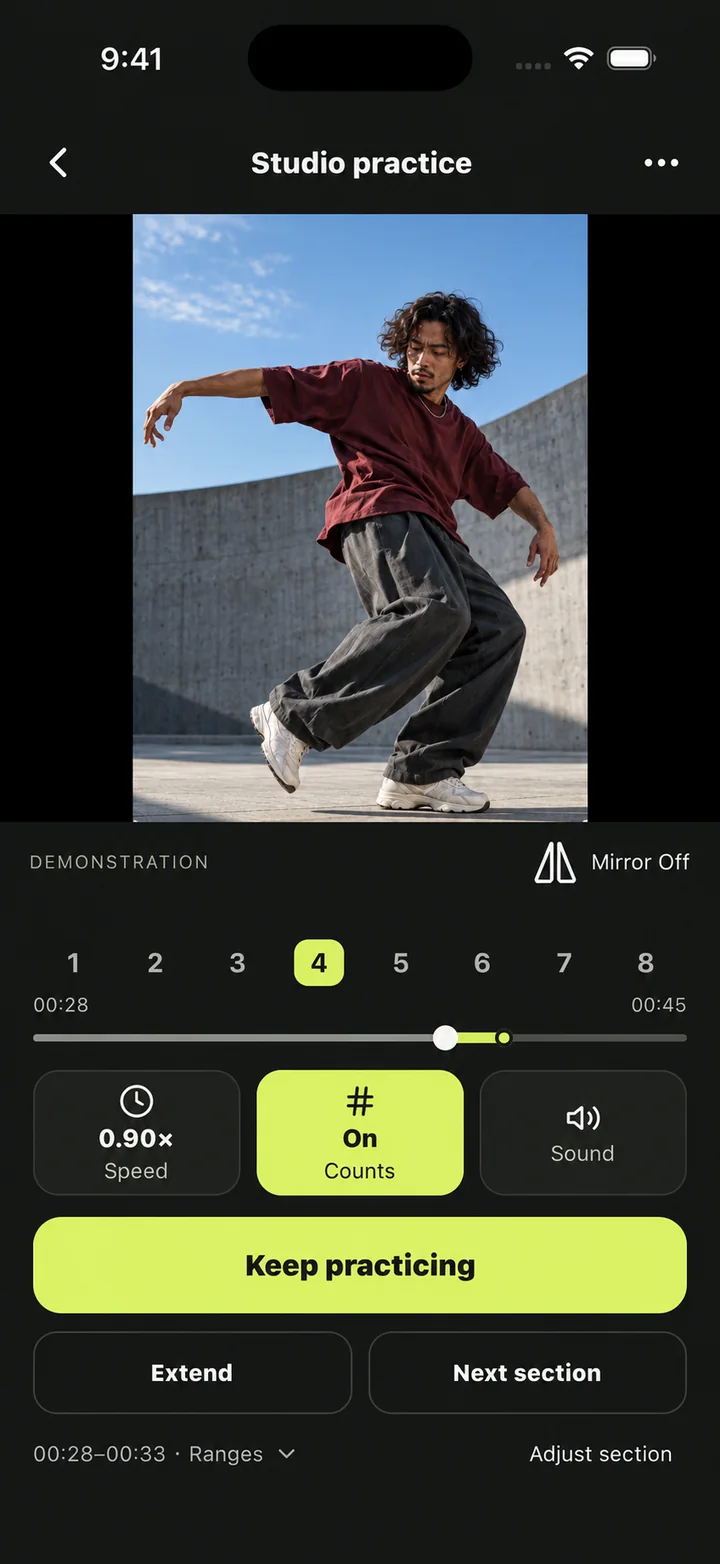
Find your tempo. See it your way.
Stay with the tricky part until it clicks.
Watch yourself. Notice the difference.
MADE FOR THE WAY YOU LEARN
Give one small section your full attention. Slow down the details, mirror the movement, then build back up to your own rhythm.
Try it: slow down, mirror, or loop this short practice clip.
From “wait, how?” to “one more time.”
Bring a video from your phone. Start with a move you want to make your own.
Pick the part that needs a little more attention. Slow it down and set it to repeat.
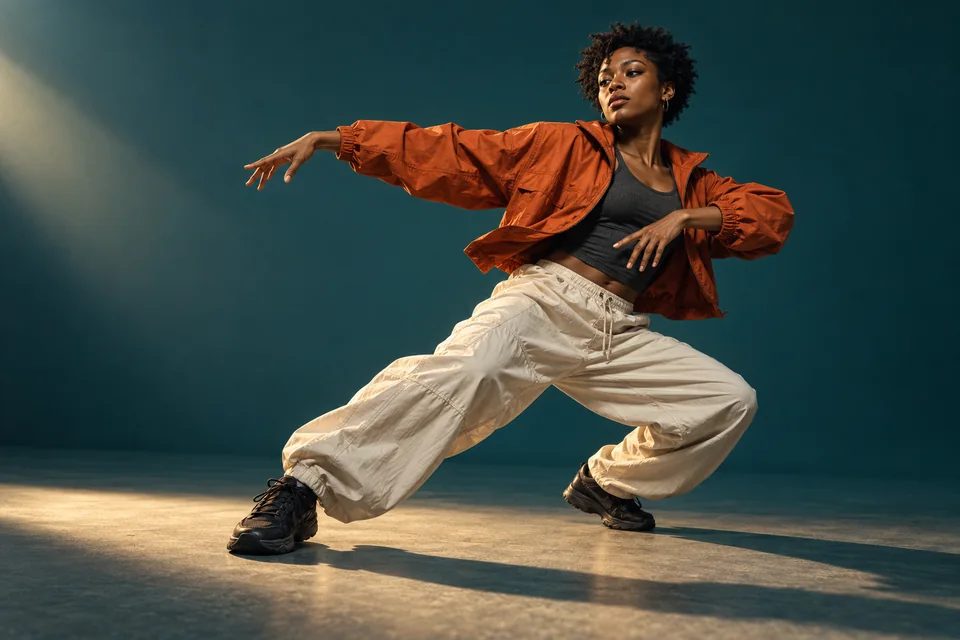
Record your take, compare it with the reference, and choose your next small improvement.
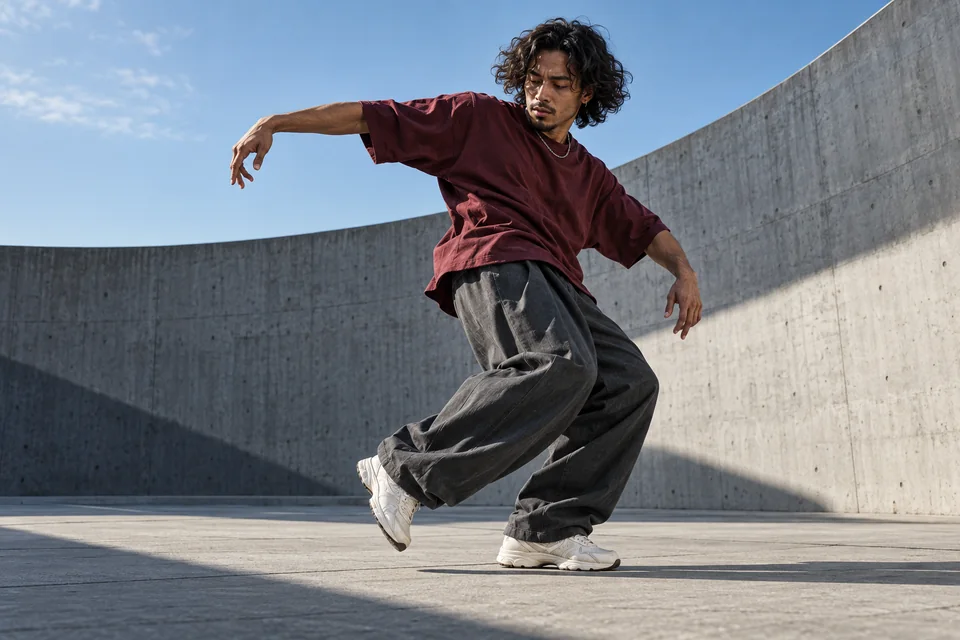 ReferenceYou
Two perspectives. One next step.
A FRESH PERSPECTIVE
Record a take. Watch it alongside your reference. Choose what to work on next.
Follow eight-count cues and optional beat clicks. Adjust the first count when you need to.
Start at a comfortable speed and let each round take you a little closer to full pace.
Your sections, settings, and takes stay on your device, ready for the next session.
Dancora is a dance practice app for working with your own videos. Slow down, mirror, loop a section, record yourself, and compare your take with the reference.
Yes. Import a video from your phone’s library or files. Choose material you own or have permission to use.
No. Playback, speed, mirroring, and manual section loops work without beat recognition. Count cues help when timing is available, and you can correct it yourself.
Imported practice media, settings, and takes are stored on your device by default. Signing in uses a separate account service. Saving to Photos or sharing happens when you choose it.
Dancora helps you review your own progress by watching your take with the reference. It does not automatically score your movements or generate choreography.
One video. One section. A little more you.